
Pocket was one of the default places to save things to read later for a long time. It shut down on July 8, 2025.
After that, there was still a window to export saved items. That export window also ended on November 12, 2025. On the same date, user data deletion and the Pocket API shutdown began.
So many former Pocket users are now in one of two situations.
If you exported your data in time, you may still have HTML or JSON files on your machine. The URLs of the articles you wanted to keep are still in your hands.
If you missed the export window, the items you kept inside Pocket are no longer reachable through Pocket. That is frustrating, but the next step is still clear: choose where you want to save things from now on.
In either case, the question is no longer only “How do I recover Pocket?” It is “Where should I save things next?”
Services You Can Use Instead of Pocket
“Read it later” can mean different things depending on what you usually save.
Long articles. Interesting posts on X. Tool pages you want to try someday. Official documentation you are halfway through. PDFs you downloaded and want to return to.
Thinking about what you used to put into Pocket makes it easier to choose the next place.
Here are four services worth considering after Pocket.
Instapaper
Instapaper is a good fit if you want to keep the read-it-later habit simple.
You save articles, videos, and other pages from the web, then read them later in a clean reading view. The experience is close to what many people used Pocket for. Saved items sync across the web, iOS, Android, and supported e-readers.
Instapaper can be used for free. With Instapaper Premium, you get features such as full-text search, permanent archive, PDF Reader, and unlimited notes. Instapaper’s help pages describe PDF saving and PDF uploads as Premium features.
It is an easy candidate to try if you mostly saved long articles and want a calm place to read them.
If you want to organize your entire bookmark library in detail, though, Instapaper may feel a little light. It works best when you think of it primarily as a reading place, not as a full link-management system.
Raindrop.io
Raindrop.io is closer to a bookmark manager.
It is not limited to articles. You can save many kinds of web pages and organize them with collections and tags. It works well if you want to keep tool pages, websites, docs, and articles in the same library and come back to them by folder or topic.
According to the Raindrop.io pricing page, the free plan includes unlimited bookmarks, collections, and devices. The Pro plan adds features such as full-text search, permanent copies of bookmarks, more upload space, backups, and tools for keeping a bookmark library clean.
Raindrop.io can also handle files such as PDFs and images. Its help pages describe a monthly upload limit of 100 MB on the free plan and 10 GB on Pro.
It is a strong option if you like organizing. If you usually create folders and tags but rarely come back to them, it may simply become another place where saved links pile up.
Readwise Reader
Readwise Reader combines saving, reading, highlighting, and post-reading workflows.
You can save articles, newsletters, PDFs, EPUBs, videos, tweets, and more. While reading, you can highlight and annotate text, and those highlights sync to your Readwise library for later review and organization.
The Readwise pricing page lists Reader as part of the paid Readwise plan after a 30-day free trial. It is not a free-forever read-it-later app.
Readwise Reader is a good candidate if you want to remember and reuse what you read. It fits people who highlight while reading, export notes to tools such as Notion or Obsidian, or want a more deliberate reading workflow.
If all you need is “save this and read it later,” it may feel like more product than you need. It is better to think of it as a full reading system rather than just a storage place for links.
Osarai
Osarai is also one of the options you can consider after Pocket. It is the service behind this blog.
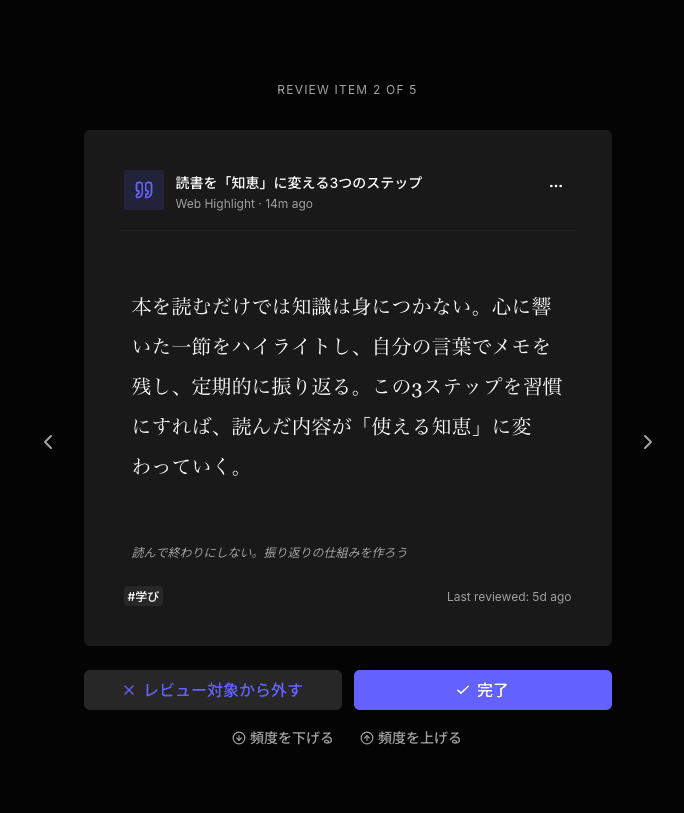
Osarai lets you save web articles, X posts, official documentation, tool pages, and PDFs in one place. Saved articles can be read in a clean, ad-free reader. You can search by title, description, your own notes, and full text.
The main difference is daily review.
Osarai helps bring back things you saved and forgot about, a little at a time. It is designed for people who often save something and never read it, or who later wonder where they put a useful link.
It also fits if you do not want to split “articles to read later” and “regular bookmarks” into separate apps.
Osarai is not a service for restoring old Pocket data. It is not a perfect replacement for every part of Pocket. It is better to think of it as one candidate for the place where you save things from now on.
 Osarai
Save links. Find them again.
Save articles and posts you want for later in one place. Search what you remember, and let daily review bring buried saves back.
How to Choose the Right Place to Save
There is no single correct answer. The right choice depends on what you save and how you want to use it later.
If your main use case is reading long articles in a focused view, Instapaper, Readwise Reader, and Osarai are easy candidates to compare.
If you want to save more than articles, such as tool pages, official documentation, reference sites, and PDFs, Raindrop.io and Osarai become easier to consider.
If PDFs matter to your workflow, check how each service handles them. Instapaper provides PDF Reader as a Premium feature. Raindrop.io handles PDFs within its file upload limits. Readwise Reader and Osarai can also work as places to keep reading materials that include PDFs.
If your real problem is “I save things but never read them” or “I cannot find what I saved,” search and resurfacing features matter more than the save button itself.
The fastest way to decide is to try one service with a page you would normally save. Save an article, a doc page, a tool page, and maybe a PDF. After a few days, check whether the service still feels natural.
You will know quickly whether it feels close to your old Pocket habit, or whether it fits your current workflow better.
Summary
Pocket shut down on July 8, 2025, and its export window ended on November 12, 2025. Whether you exported your data or missed the window, the next decision is where to save things going forward.
If you want a simple read-it-later app, try Instapaper. If you want to organize links and reference pages, try Raindrop.io. If you want highlighting and a full reading workflow, try Readwise Reader. If you want one place for read-it-later items and everyday bookmarks, with search and daily review, Osarai is worth considering.
Think about what you used to save in Pocket. That usually makes the next place much easier to choose.
OsaraiSave links. Find them again.
Save articles and posts you want for later in one place. Search what you remember, and let daily review bring buried saves back.
Read more

Matter Alternatives: Six Options for Saving, Reading, and Revisiting
Matter is still running, but it does not fit every reader. Compare Readwise Reader, Raindrop.io, Instapaper, Wallabag, Readeck, and Osarai and pick what matches how you actually save and read.

Omnivore Alternatives: Where to Go After the Shutdown
Omnivore shut down after the ElevenLabs deal. Compare Readwise Reader, Raindrop.io, Instapaper, Readeck, Wallabag, and Osarai to pick the right next save.

Instapaper Alternatives: 4 Options for Saving, Reading, and Remembering
Instapaper is great for reading, but saved items still slip away. See how Raindrop.io, Readwise, browser bookmarks, and Osarai compare for saving, searching, and remembering.